
Migration from Physical Keys to Digital Solutions – Complete Guide
Step-by-step guide to migrating from traditional physical keys to digital access control with SnapKey. ROI, change management, and best practices.
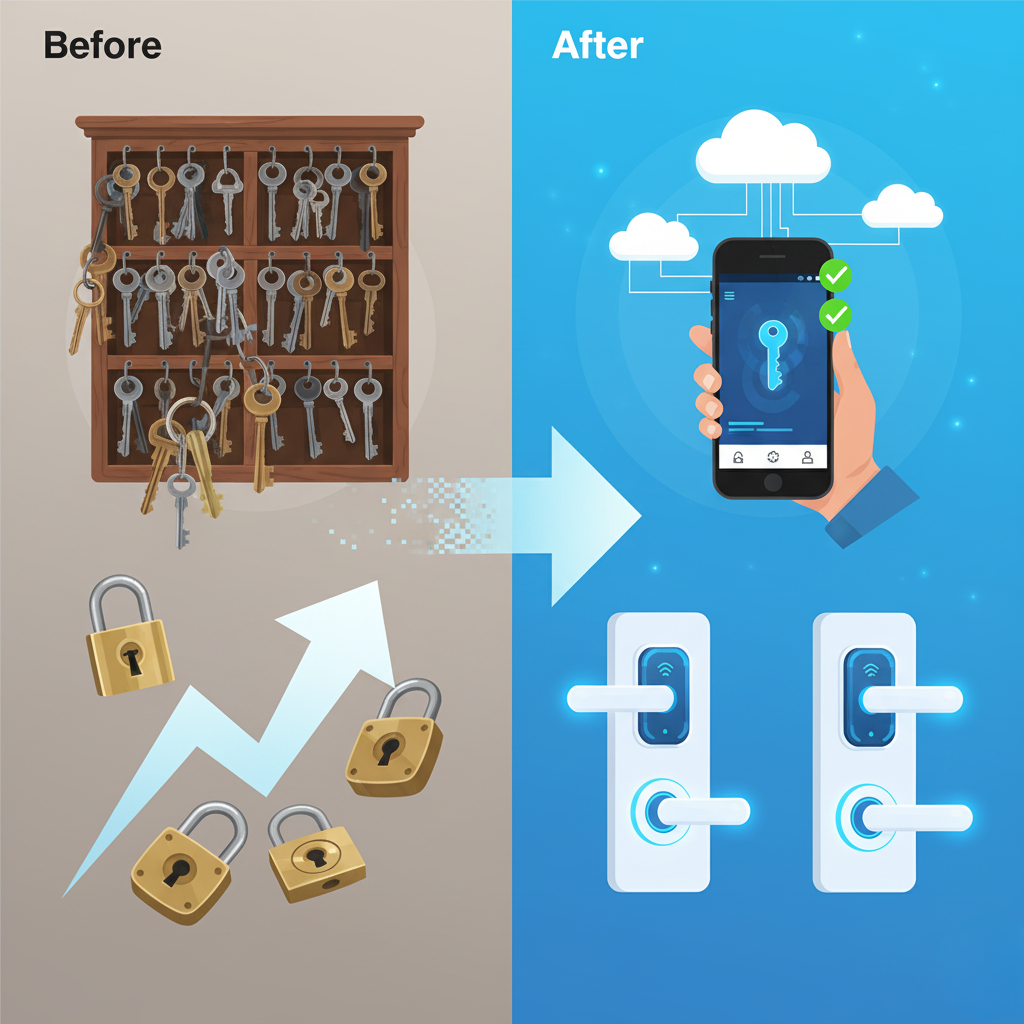
The transition from physical keys to digital access control can seem overwhelming, but with the right approach, it's a smooth and cost-effective process. This guide provides a complete roadmap.
Why Migrate?
Economic Benefits
| Cost | Physical Keys | Digital Keys (SnapKey) |
|---|---|---|
| Key production | €5-15/each | €0 (digital) |
| Lost keys | Lock replacement: €200-500 | Revocation: €0 |
| Administration | 10 hours/month | 2 hours/month |
| Lock change when leaving | €200 per door | €0 |
| Batteries | Depends on system | €0 (iLOQ battery-free) |
Typical ROI: 12-18 months
Security Benefits
- ✅ Traceability of the openings the lock system reports (who, where, when)
- ✅ Revocation from the dashboard when lost
- ✅ No unauthorized copying
- ✅ Time-limited access
- ✅ Two-factor login for administrators
Operational Benefits
- ✅ Remote access management
- ✅ No physical key handover
- ✅ Automatic onboarding/offboarding
- ✅ Integration with HR/IT systems
- ✅ Audit-ready logs
Migration Strategies
Strategy 1: Big Bang (Full migration at once)
Suitable for:
- Small organizations (< 50 doors)
- Newly built facilities
- Organizations with urgent security needs
Process:
1. Installation of all locks (1-2 weeks)
2. User training (1 week)
3. Go-live date
4. Full cutover
Pros:
- Fastest
- No hybrid period
- Clean switch
Cons:
- Higher risk
- More resource-intensive
- Requires thorough planning
Strategy 2: Phased (Recommended)
Suitable for:
- Medium to large organizations
- Organizations with many locations
- Budget constraints
Process:
Phase 1: Critical areas (Month 1-2)
├─ Server rooms, data centers
├─ Executive offices
└─ Security zones

Phase 2: Primary work areas (Month 3-4)
├─ Main entrances
├─ Offices
└─ Meeting rooms

Phase 3: Secondary areas (Month 5-6)
├─ Storage
├─ Technical rooms
└─ Parking garages

Phase 4: Remaining (Month 7+)
└─ All other doors
Pros:
- Lower risk
- Spreads costs
- Learning from early phases
- Gradual user adoption
Strategy 3: Hybrid (Permanent)
Suitable for:
- Organizations with older buildings
- Limited budgets
- Special requirements for certain doors
Process:
Digital:
├─ New buildings
├─ Critical areas
└─ High-traffic areas

Physical:
├─ Older buildings (gradual phase-out)
├─ Emergency exits (fire requirements)
└─ Special locks
7-Step Migration Process
Step 1: Assessment & Planning (Week 1-2)
Activities:
- Map all doors and access points
- Identify user groups and roles
- Analyze current access patterns
- Prepare budget and ROI calculation
- Define migration strategy and timeline
Deliverables:
- List of all locks with prioritization
- User role structure
- Budget and business case
- Project plan
Step 2: Proof of Concept (Week 3-4)
Activities:
- Install 5-10 locks in test zones
- Involve 10-20 test users
- Monitor performance and user feedback
- Fine-tune configuration
Success criteria:
-
90% user satisfaction
- < 2% error rate
- Acceptance from key stakeholders
Step 3: Infrastructure Preparation (Week 5-6)
Activities:
- Install locks according to phase plan
- Set up SnapKey Cloud environment
- Configure API integrations
- Create user roles and policies
- Test network and connectivity
Step 4: User Migration (Week 7-8)
Activities:
- Communicate changes to users
- Hold training sessions
- Help users with app installation
- Issue digital keys
- Establish support hotline
Communication template:
Subject: New Access Control – Getting Started

Dear employee,

From [date] we're switching to digital keys with SnapKey.

Benefits for you:
✓ Your smartphone is your key
✓ No physical keys to keep track of
✓ Faster and more convenient

Get started in 3 steps:
1. Download the SnapKey app
2. Log in with your email
3. Scan the QR code you receive

Support: support@company.com | +1 234 567 890

Best regards
IT Department
Step 5: Parallel Operation (Week 9-12)
Activities:
- Keep physical keys as backup
- Monitor adoption rate
- Handle issues quickly
- Collect feedback continuously
Metrics to track:
- % users who have activated digital key
- Number of support inquiries
- Error rate on access attempts
- User satisfaction
Step 6: Full Cutover (Week 13-14)
Activities:
- Deactivate physical keys
- Collect physical keys
- Switch to digital-only mode
- Final communication
Checklist before cutover:
- [ ] > 95% users have activated digital keys
- [ ] < 5% support tickets last week
- [ ] All critical bugfixes implemented
- [ ] Management sign-off
Step 7: Optimization (Ongoing)
Activities:
- Analyze usage data
- Optimize access policies
- Expand to more areas
- Generate ROI reports
Change Management
Handling Resistance
Typical concerns:
| Concern | Response |
|---|---|
| "What if my phone runs out of power?" | Backup methods: iLOQ card or fob, physical backup key at reception |
| "Is it secure?" | Show encryption, traceability, benefits vs. physical keys |
| "I don't want company software on my private phone" | Offer company phone or alternative NFC tags |
| "It seems too complicated" | Live demo, hands-on training, 24/7 support |
Champions & Ambassadors
Identify early adopters who can help others:
- 1-2 people per department
- Extra training
- Peer support role
- Recognition/incentives
ROI Calculation
Example: Company with 200 employees, 50 doors
One-time investment:
SnapKey locks: 50 × €250 = €12,500
Installation: 50 × €50 = €2,500
Software license (setup): €1,500
Training: €1,000
─────────────────────────────────────
Total: €17,500
Annual costs:
Software license: €5,000/year
Support: €1,500/year
─────────────────────────────────────
Total: €6,500/year
Annual savings:
Eliminated lock changes: 20 × €300 = €6,000
Lost key handling: 15 × €150 = €2,250
Administrative time: 8 hours/month × €40 = €3,840
Key production: 50 × €7.50 = €375
─────────────────────────────────────
Total savings: €12,465/year
Payback:
Net investment: €17,500
Annual net savings: €12,465 - €6,500 = €5,965
Payback period: €17,500 / €5,965 = 2.9 years
Plus intangible benefits: Increased security, compliance, user experience
FAQ
How long does migration take?
It depends on size and strategy. Small organizations can be ready in 4-6 weeks. Larger organizations with a phased approach typically 6-12 months.
Can we keep physical keys as backup?
Yes, hybrid mode is possible. However, it's recommended to phase out physical keys for maximum security and ROI.
What about employees without smartphones?
SnapKey supports NFC tags/cards as an alternative to smartphones.
Contact Us
Ready to migrate from physical to digital keys? SnapKey's migration experts help you every step of the way.
Related articles
API and Webhook Integrations – Automate Your Access Control with SnapKey
Overview of SnapKey's REST API and webhooks, with links to the developer documentation. Perfect for developers who want to automate access control and integrate with existing systems.
CER Directive – Complete Guide to Critical Infrastructure Compliance
Understand the CER Directive (EU 2022/2557) and learn how SnapKey helps secure your critical infrastructure with advanced access control and compliance.
Access Control for District Heating – Secure Access to Substations and Cabinets
Digital access control for district heating companies. Replace lockboxes with traceable access to heat substations, exchanger stations, and technical rooms.