
SnapKey Reactivatable Keys
Keys that sleep until needed. Users activate access themselves — for a limited time. Ideal for storage, seasonal facilities and infrequent access.
Contact us Illustration
User self-activates
Time-limited sessions
Fewer active keys = lower cost
Auto-expires after use
Users activate when needed
The key sits inactive in the app until the user needs it. One tap to activate — access is granted for a limited time window, then it goes back to sleep.
Fewer active keys, lower cost
You only pay for keys that are actively in use. Storage units, seasonal facilities and infrequent access no longer inflate your active key count.
Automatic expiry
After the activation window closes, the key deactivates automatically. No admin intervention needed — the system handles it.
Full control and visibility
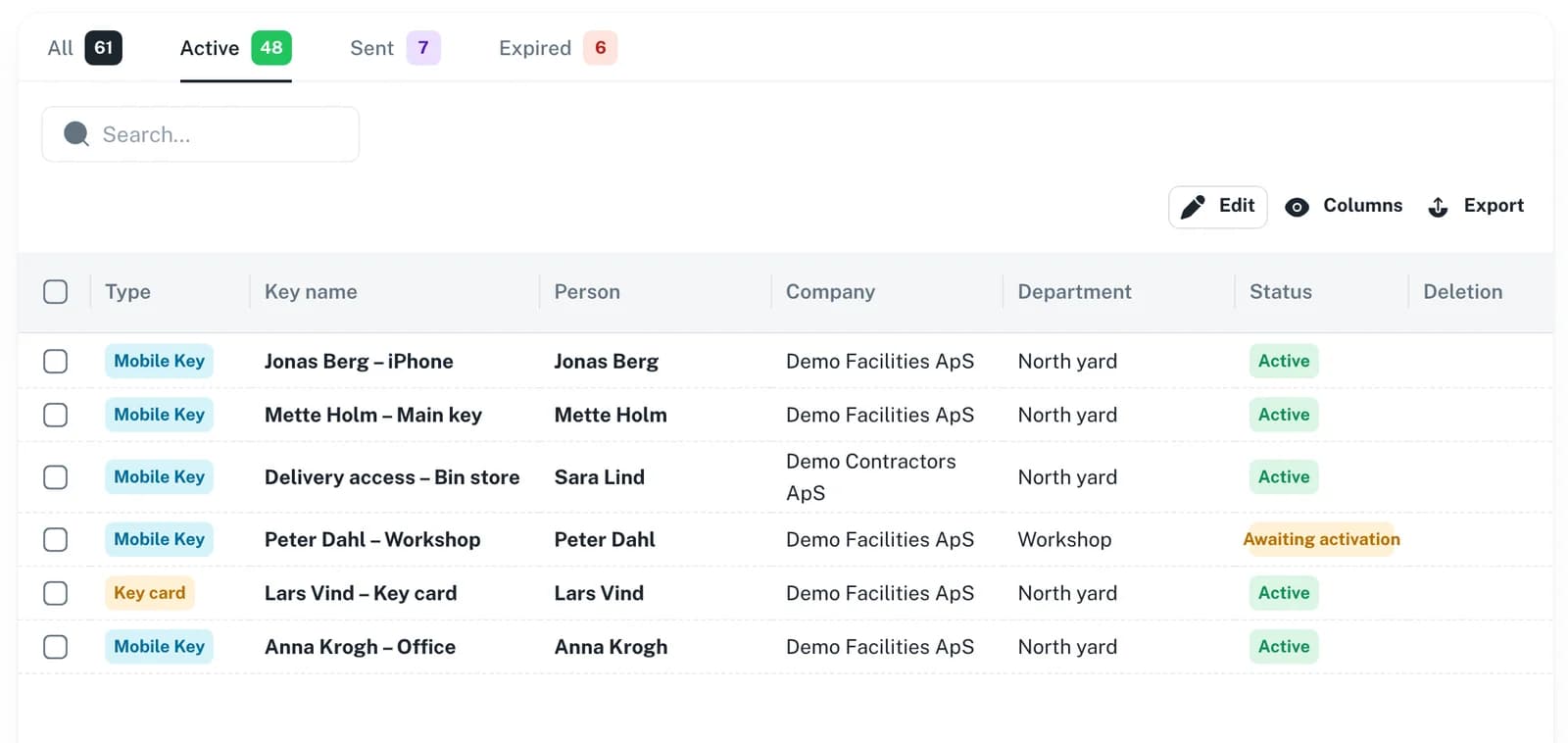
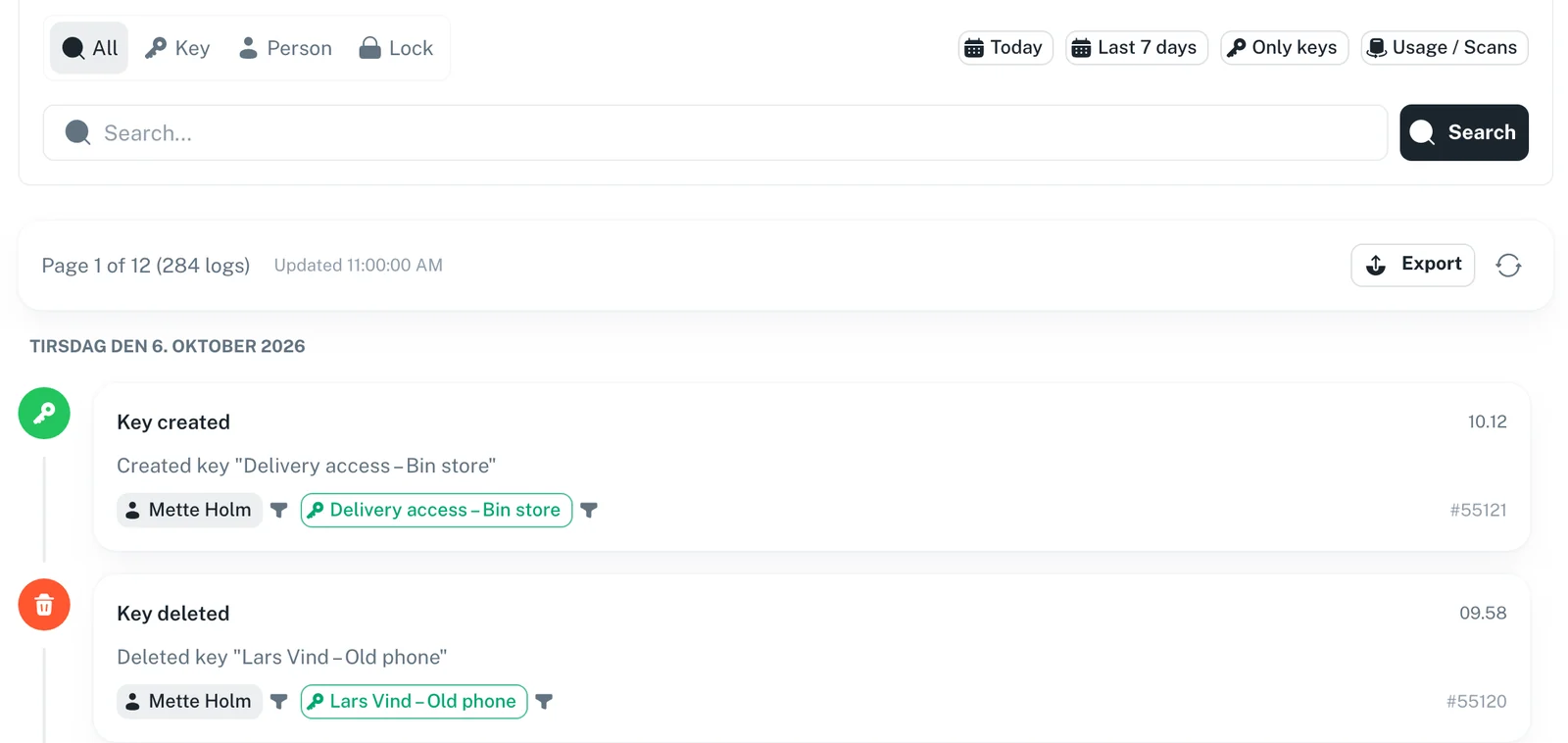
Admins set the activation window (e.g. 2 hours, 1 day). Every activation is logged with time, user and duration.
How it works
Key is issued
Admin creates a key with an activation window (e.g. 2 hours). The key is delivered to the user's app in an inactive state.
User activates
When the user needs access, they tap "Activate" in the SnapKey app. The countdown begins.
Access is open
During the activation window, the user can open their doors normally. The lock syncs automatically.
Key goes to sleep
When the window expires, the key deactivates automatically. The user can activate it again next time they need access.
Perfect for
 Illustration
Storage units
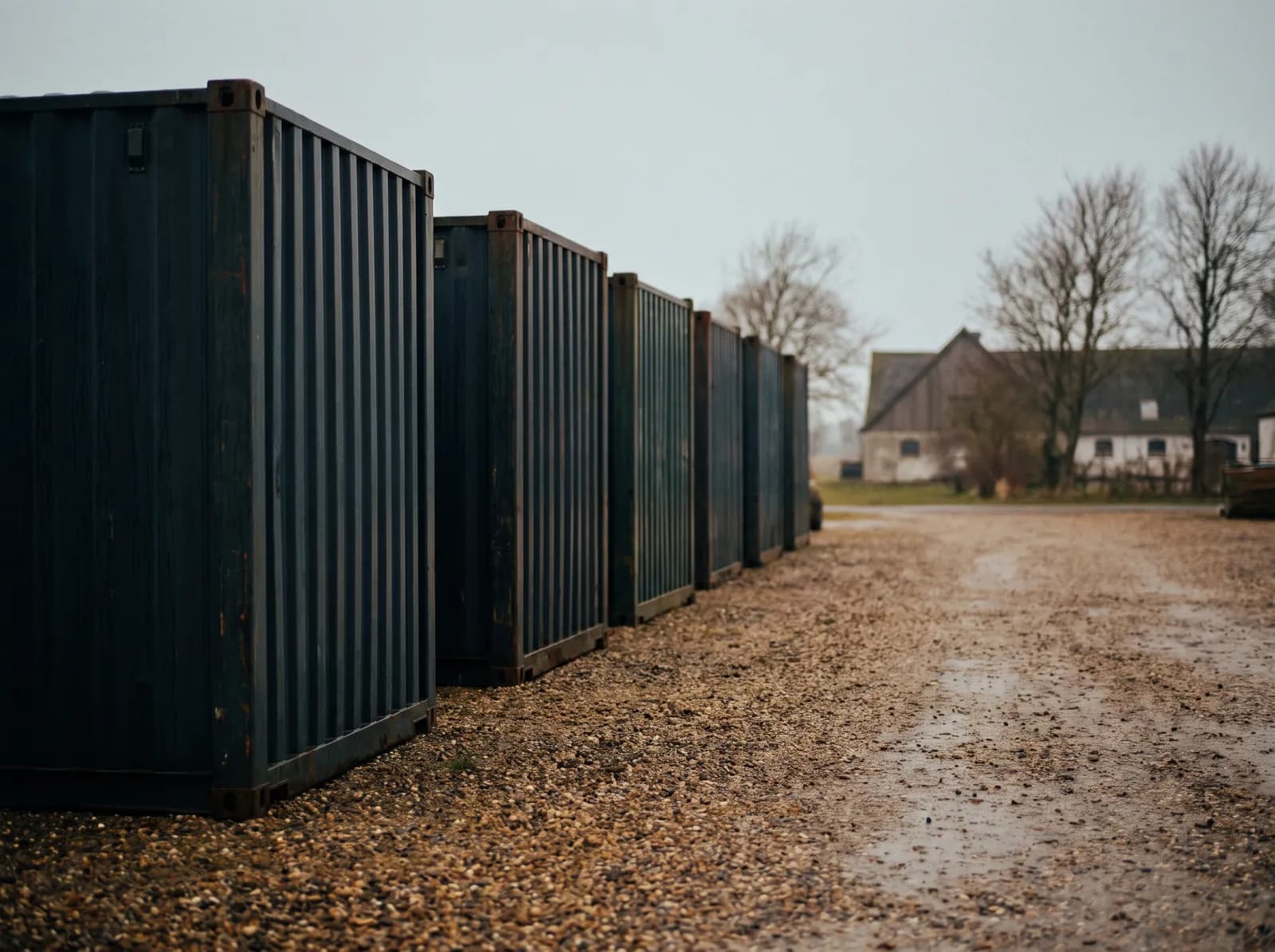
Tenants visit their storage once a month. Instead of keeping hundreds of keys permanently active, each key activates only during the visit.
 Illustration
Seasonal facilities
Boat houses, allotment gardens, holiday cabins. Keys stay dormant off-season — users activate when they visit.
 Illustration
Low-frequency access
Technical rooms, archive storage, equipment sheds. Access is rarely needed but must be available when it is.
Set it and forget it
Enable reactivatable keys per location, set the activation window, and let users manage their own access.
Enable per location in settings
Set activation window (minutes, hours or days)
Users self-activate — no admin action needed
See which keys are active right now
Full audit log of every activation
Pay for what you use
Traditional key systems charge per active key. With reactivatable keys, dormant keys don't count — dramatically reducing costs for large installations.
Dormant keys do not count as active
Hundreds of keys, fraction of the cost
Ideal for storage facilities with many units
No wasted licenses on infrequent users
Scale without scaling cost
Frequently asked questions
No. The user activates the key themselves directly in the SnapKey app. The admin sets the rules upfront — the user just taps activate when they need access.
The key automatically goes back to an inactive state. The user can activate it again the next time they need access. No admin action required.
Most access control systems charge per active key. With reactivatable keys, a storage facility with 500 units might only have 20-30 keys active at any given time instead of 500 — significantly reducing licensing costs.
The activation window is set when the key is created. Different keys can have different durations — for example, 2 hours for a storage visit or 24 hours for a maintenance window.
Yes. When the user activates the key, the lock is synced automatically via the SnapKey app. When the key deactivates, the lock is updated on the next sync.
Hundreds of keys. Fraction of the cost.
Reactivatable keys let users self-activate access for a limited time. Dormant keys don't count — so you only pay for what's actually in use.
Contact us